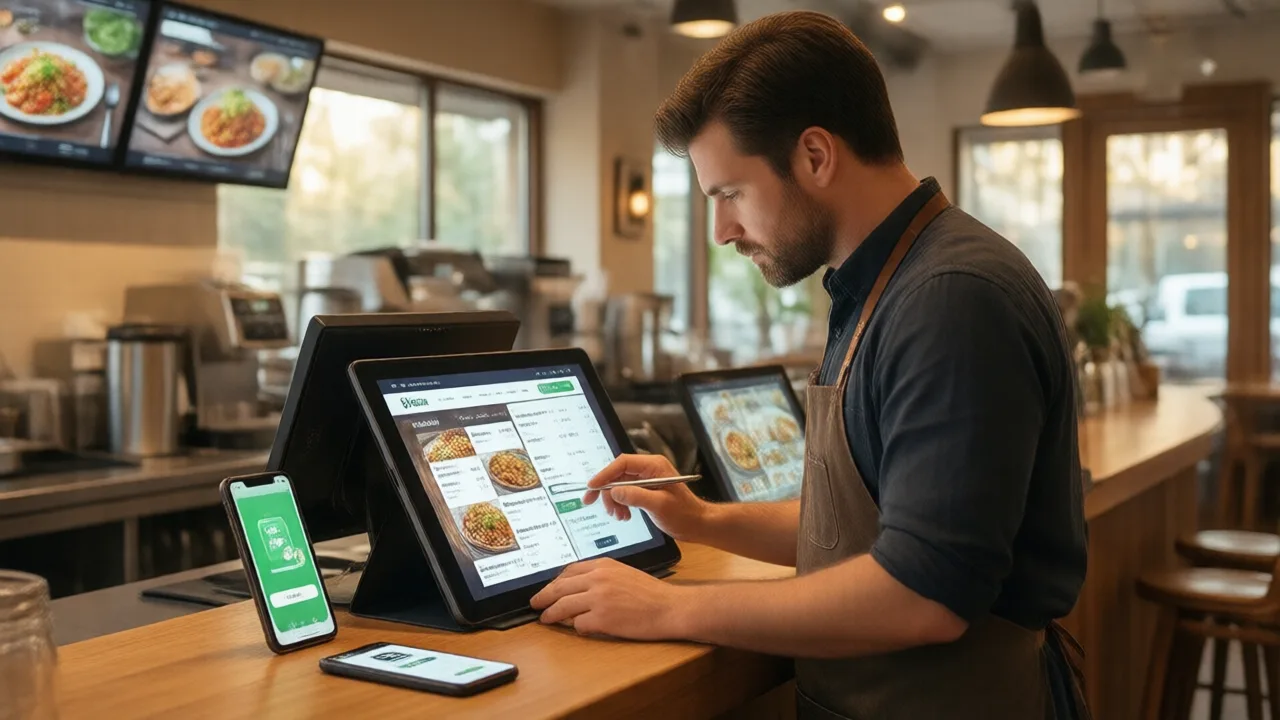
Picture a mid-size taqueria on a Friday night. The al pastor bowl is $13.95 on the printed menu, $13.95 on the website, $14.50 on the app they launched last spring, $16.95 on one delivery platform, and $15.50 on another. The kitchen just ran out of carnitas at 7:40, so a server crossed it off the whiteboard — but the website, the app, and all three delivery platforms are still happily selling it. Over the next ninety minutes, four guests order carnitas that does not exist. Two get refunds, one gets an apology bowl of something else, and one leaves a one-star review that mentions "bait and switch."
None of that is a staff failure. It is a structural one: the restaurant is maintaining the same menu in six places by hand, and human hands cannot keep six copies of anything identical in real time. That is the exact problem menu sync exists to solve.
What Menu Sync Actually Means
Menu sync is the practice of maintaining a single master menu — a "single source of truth" — that automatically pushes changes to every channel a restaurant sells through. Instead of logging into five dashboards to change one price, the operator edits the master once and every connected surface updates from it: the restaurant's own website, its branded ordering app, its Google Business Profile, in-store kiosks and QR menus, and the third-party delivery platforms.
The key word is automatic. Plenty of restaurants technically have "one menu" in the sense that they intend for it to match everywhere. What they lack is a system that enforces it. Menu sync is the enforcement mechanism: nothing gets edited directly on the delivery app or the website, because those channels are read-only mirrors of the master. Change flows one direction, outward, and drift becomes structurally impossible.
Three categories of data are what you actually want to keep in sync:
| What syncs | How often it changes | Cost of it being wrong |
|---|---|---|
| Items, descriptions, photos | Occasionally (menu changes) | Confusion, brand inconsistency |
| Prices | Periodically (cost changes) | Refunds, disputes, lost margin |
| Availability (86'd items, hours) | Constantly (every shift) | Failed orders, refunds, bad reviews |
Notice the pattern: the data that changes most often is also the data whose errors hurt most. That is not a coincidence — it is precisely why real-time availability sync is the feature that separates a genuine menu-sync system from a glorified copy-paste tool.
The Hidden Cost of an Unsynced Menu
Here is where it stops being a tidiness issue and starts being a money issue. An unsynced menu bleeds revenue in four distinct ways, and most owners only ever notice the first one.
1. Price mismatches you never authorized
When you raise the price of a dish because your food cost jumped, you update the POS and the printed menu. If nobody remembers to update the delivery platform, you keep selling that item at last year's price on a channel that already takes a hefty commission. On a $2 gap across a few hundred delivery orders a month, that is real four-figure margin evaporating quietly. The reverse also happens: an old higher price lingers somewhere and triggers "I was overcharged" disputes that cost you the refund and the trust.
2. Orders for food you can't make
This is the expensive one. When the kitchen 86's an item mid-rush and that change doesn't propagate, guests keep ordering it — on the website, the app, every delivery app. Each of those orders becomes a scramble: call the guest, offer a substitute, or refund. Refunds on third-party platforms often come with the commission still deducted, so you can lose money on an order you never fulfilled. And a "they cancelled my order" review does lasting damage that no discount recovers.
3. Staff time you're burning on data entry
Every channel maintained by hand is a recurring labor tax. A manager updating five dashboards for a single seasonal menu swap can lose the better part of a shift — time that produces nothing except the privilege of being inconsistent slightly less often. Multiply that by every price change, every LTO, every holiday hours adjustment.
4. Search and discovery penalties
Guests increasingly find you through Google and AI assistants that read your menu data directly. If your hours are wrong on Google, or a dish shows a price that doesn't match reality, you generate friction at the exact moment someone decided to order. Consistency across every public surface isn't just operational hygiene; it feeds the discovery layer that sends you orders in the first place, which is why menu accuracy sits alongside the tactics in our guide to online ordering SEO for restaurants.
Example scenario: A Three-Location Sandwich Group
Illustrative scenario — a composite example built to show how the numbers work. It does not describe a real business or customer.
A small sandwich chain ran its own website, a mobile app, and two delivery platforms across three stores — four menus per location, twelve menus total, all maintained by hand. An audit found 31 price discrepancies and 6 items still listed that had been discontinued months earlier. During a two-week test, staff logged an average of 22 "sorry, we're out of that" calls per week to guests who had ordered 86'd items online. After moving to a synced setup where the POS was the single source of truth — prices, availability, and hours pushing to all channels — those calls dropped to under 3 per week, refund volume fell by roughly 70%, and the manager reclaimed an estimated 5–6 hours a week previously spent editing dashboards. The discontinued items vanished from every channel the moment they were archived in the master.
How Menu Sync Works Under the Hood
You don't need to be technical to run it, but understanding the shape helps you evaluate whether a given system actually delivers. There are essentially two architectures.
Native, one-platform sync. Here the POS or ordering platform is the master, and your website, app, and kiosks are built on the same system, so they read the identical menu record. There is no "syncing" in the fragile sense because there is only ever one copy. This is the tightest arrangement: a mid-service 86 is instant everywhere the platform controls, because everything is looking at the same database row. This is the same principle behind keeping your ordering site and POS unified rather than bolted together, which our overview of POS and online ordering integration walks through in detail.
Connector-based sync to third parties. The delivery platforms are separate companies with their own systems, so reaching them requires an integration — either a direct connection or a middleware provider that translates your master menu into each platform's format and pushes updates over their APIs. This is where quality varies enormously, and where you have to ask hard questions before you trust it.
The questions that actually matter when you evaluate any third-party sync:
- Which fields sync? Full menu, prices, photos, modifiers, and availability — or just some of those? A sync that pushes items but not live availability leaves the worst problem unsolved.
- How fast does it propagate? "Real-time" and "every few hours" are wildly different when a rush 86 is on the line. Ask for the actual latency.
- Is it one-way or two-way? Some connections push your menu out but don't read order data back, which affects how availability and inventory behave.
- What happens on conflict? If someone edits directly on the delivery platform, does the next sync overwrite it or silently create a mismatch?
Vet those before you rely on the feature. A partial sync marketed as "menu sync" that quietly excludes real-time availability is common, and it is exactly the gap that lets 86'd items keep selling.
The Deliberate Exception: Delivery-App Markups
One nuance trips people up, so let's name it directly. Not every price difference is a mistake. Many restaurants intentionally set higher prices on third-party delivery platforms to offset the 15–30% commission those platforms charge — a $14 sandwich might list at $17 on a delivery app on purpose, so the restaurant nets roughly the same amount after commission.
That is a legitimate strategy, and a good menu-sync system supports it: you maintain one master menu but apply a channel-specific price rule, so the markup is deliberate and consistent rather than a per-item guessing game. The problem menu sync solves is the unintentional drift — the stale price nobody updated, the item that's out of stock on the line but live on the app. The intentional markup is a policy; the accidental mismatch is a leak. If commission math is the reason you're marking up at all, the deeper fix is shifting volume to channels you own, which is the whole argument in our breakdown of first-party versus third-party ordering.
How to Set Up a Single Source of Truth
You don't fix this by being more careful. You fix it by changing the structure so carefulness isn't required. Five steps:
- Pick the master. Choose one system — almost always the POS or your online ordering platform — to be the authoritative menu. Every other channel becomes a downstream mirror. This decision matters more than the tooling.
- Audit and reconcile once. Before you connect anything, pull up every channel side by side and fix every discrepancy: prices, descriptions, dead items, hours. Sync propagates whatever is in the master, so the master has to be clean first.
- Connect the channels. Wire your website, app, kiosk, and Google to read from the master, and connect the delivery platforms via whatever integration your system supports — confirming the field coverage and latency questions above.
- Set channel price rules, not manual overrides. If you mark up delivery apps, express that as a rule (e.g., "delivery channels +20%") so it applies automatically and stays consistent, instead of editing each item by hand.
- Kill direct editing. Make it a firm policy that nobody edits a menu on the delivery platform or the website ever again. All changes go through the master. This is the habit that keeps drift from creeping back.
Once it's running, the daily reality changes completely: a cook 86's the salmon on the POS, and within moments it's grayed out on the website, hidden on the app, and marked unavailable on the delivery platforms — no phone calls, no refunds, no manager sprinting between screens. Accuracy stops depending on anyone remembering. That reliability is the same foundation that makes order accuracy improvements stick, because the menu the guest orders from is finally the menu the kitchen is actually cooking.
Where Menu Sync Fits in the Bigger Picture
Menu sync is unglamorous. It wins no awards and impresses no investors. But it sits underneath nearly everything else you do online: your marketing sends people to a menu, your SEO surfaces a menu, your loyalty program rewards orders off a menu. If that menu is inconsistent or wrong, every dollar you spend driving traffic to it partially leaks back out through refunds, disputes, and lost trust. The restaurants running the tightest online operations treat a single, accurate, everywhere-consistent menu as table stakes — the same discipline behind unifying menus, prices, and payments in one system that KwickOS's restaurant online ordering platform is built around, and the reason how your POS integrates with everything else deserves more attention than the flashy features.
Get menu sync right and you stop losing money to a problem most owners never diagnose — because the symptoms show up as scattered refunds, odd reviews, and a manager who's always a little behind, never as a single line item labeled "we maintained the same menu in six places by hand."
One Menu. Every Channel. Always Right.
Menu sync only works when your menu, prices, availability, and orders live in one system — so an 86 on the line reaches every screen instantly. See how restaurants run one accurate menu across website, app, kiosk, and delivery on KwickOS.
Learn How KwickOS Keeps Your Menu in Sync →Frequently Asked Questions
What is menu sync in a restaurant?
Menu sync is the practice of maintaining one master menu that automatically pushes to every place a restaurant sells — its own website and app, Google, in-store kiosks, and third-party delivery platforms. Instead of editing a price or marking an item sold out in five separate dashboards, the operator changes it once and every channel updates. The goal is a single source of truth so guests see the same items, prices, and availability no matter where they order.
Why do menu prices differ between a restaurant's website and delivery apps?
Two reasons. First, without menu sync each channel is edited by hand, so a price change made on the website in March never reaches the delivery app, which keeps last year's number. Second, many restaurants deliberately mark up delivery-app menus to offset the platform's commission, so a $14 sandwich shows as $17 on a delivery app on purpose. The problem is the accidental version — stale prices no one updated — which causes disputes, refunds, and eroded trust.
How do restaurants keep 86'd items updated across all ordering channels?
With menu sync, marking an item unavailable at the POS or in one dashboard instantly hides or grays it out everywhere — website, app, and delivery platforms — so no guest can order what the kitchen just ran out of. Without sync, staff must remember to disable the item in each system during a rush, which rarely happens, so orders keep coming in for food that cannot be made. That triggers refunds, remakes, and one-star reviews.
What is a single source of truth for a menu?
A single source of truth means one authoritative menu record — usually held in the POS or online ordering platform — that every other channel reads from. Nothing is edited directly on the delivery app or the website; changes are made in the master and flow outward. This eliminates conflicting versions, guarantees consistency, and turns a menu update from a multi-system chore into a single edit.
Does menu sync work with third-party delivery apps like DoorDash and Uber Eats?
It can, but the depth varies. Some integrations push the full menu, prices, photos, and real-time availability to the major delivery platforms automatically; others sync only part of that, or update on a delay rather than instantly. Before relying on it, confirm exactly which fields sync, how fast availability changes propagate, and whether the connection is two-way. A partial sync that misses live 86 updates still leaves you disabling items by hand during the rush.
KwickOS Ecosystem
© 2024-2026 KwickOS. All rights reserved.